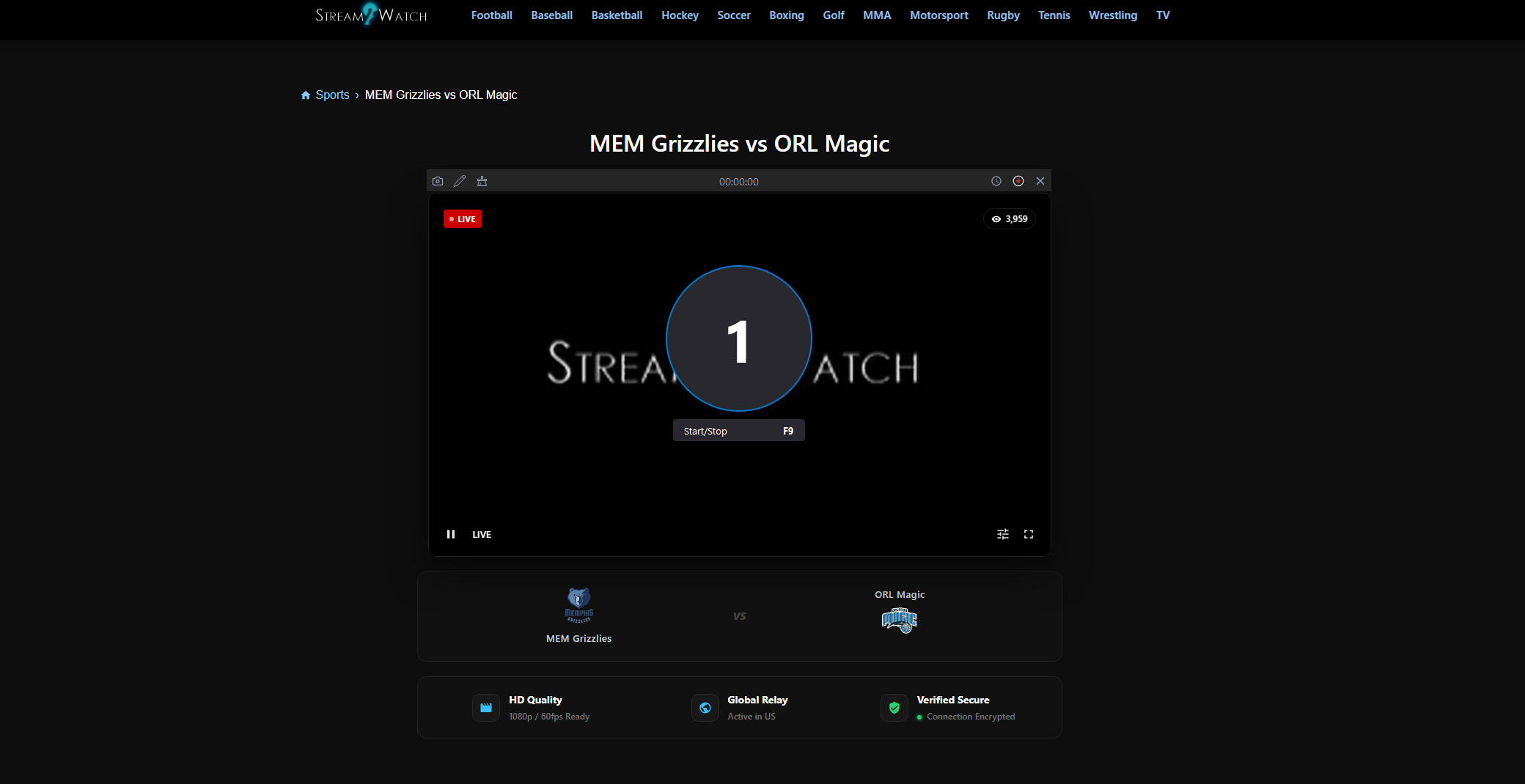
Как записывать прямые трансляции спортивных событий на Stream2watch?

Онлайн-трансляции спортивных событий стали неотъемлемой частью того, как болельщики следят за играми, турнирами и крупными спортивными событиями. Такие сайты, как Stream2watch, собирают ссылки на прямые трансляции спортивных событий — от футбола и баскетбола до автоспорта и UFC. Поскольку сам Stream2watch не размещает видеоконтент, у него также отсутствуют встроенные функции записи или загрузки. Это означает, что если вы хотите сохранить любимые моменты или посмотреть их позже, вам понадобятся инструменты для записи экрана. В этом руководстве мы рассмотрим несколько эффективных инструментов для записи прямых трансляций Stream2watch. В конце вы узнаете, как эффективно и удобно записывать прямые спортивные трансляции.
1. Наилучший вариант: Запись с помощью Swyshare Recordit
Если вам нужна надежная, высококачественная и простая в использовании программа для записи экрана для трансляции спортивных соревнований в прямом эфире на Stream2watch, Swyshare Recordit Выделяется среди остальных. Идеально сочетает в себе мощность и простоту, что делает его идеальным как для обычных пользователей, так и для более серьезных пользователей диктофонов.
Swyshare Recordit Это профессиональная программа для записи экрана, которая позволяет записывать происходящее на экране. Всё, что происходит на вашем экране — включая прямые трансляции спортивных событий — без сложных настроек и технических знаний. Работает на Windows и macOS и предлагает функции, которые делают его отличным инструментом для записи спортивных событий:
- Захват всего экрана, определенного окна или заданной области.
- Поддержка разрешения HD и даже 4K (в зависимости от вашей конфигурации).
- Записывает одновременно системный звук и дополнительный микрофонный вход.
- Экспорт записей в форматы MP4, AVI, MOV и другие популярные форматы.
- Поддерживается мгновенное воспроизведение и запись по расписанию.
- Встроенный видеоредактор позволяет добавлять логотип/фоновое изображение, изменять размер видео/панелей для записи.
Как записывать с помощью Recordit :
- Скачать и установить Recordit на компьютере Windows или Mac.
- Откройте браузер и перейдите на страницу Stream2watch, где идёт прямая трансляция спортивного события.
- Запуск Recordit Выберите область записи, затем включите захват звука системы, чтобы звук потока записывался вместе с видео.
- Нажмите кнопку «Начать запись» непосредственно перед началом игры.
- Когда мероприятие закончится (или вы записали все, что хотели), нажмите «Остановить запись» и найдите записанное видео в разделе «Файлы».
2. Дополнительные решения для записи прямых трансляций спортивных событий на Stream2watch
Есть другие способы Также можно записывать прямые трансляции спортивных событий. У каждого варианта есть свои преимущества и недостатки, и они могут подходить для разных нужд или устройств.
2.1 Запись с помощью онлайн-рекордеров
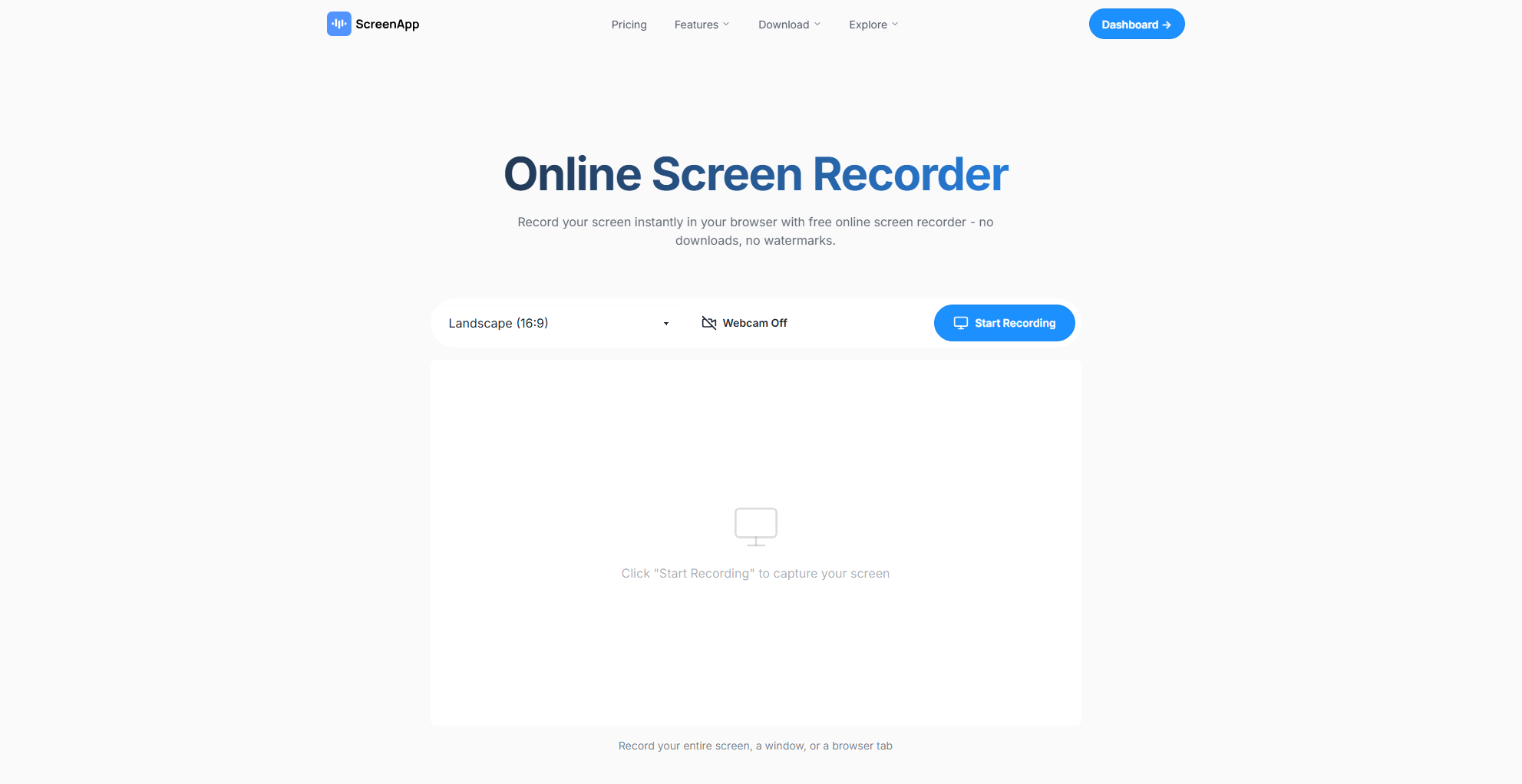
Онлайн-рекордеры для записи экрана Это браузерные инструменты, позволяющие делать снимки экрана. без установки Любое программное обеспечение. Они удобны, особенно на устройствах общего пользования или с ограниченным доступом.
Как работают онлайн-рекордеры:
- Вы заходите на сайт для записи экрана, например, ScreenApp Online Screen Recorder.
- Программа запросит разрешение на запись экрана и, в идеале, звука вашей системы.
- Затем вы можете запустить программу записи и воспроизвести прямую трансляцию спортивного события в другой вкладке или окне.
- После остановки вы загружаете видеофайл непосредственно из браузера.
Плюсы :
- Установка не требуется — работает полностью в вашем браузере.
- Быстрый доступ с любого устройства, подключенного к интернету.
Минусы :
- Качество и продолжительность записи могут быть ограничены.
- Работа этих инструментов зависит от скорости вашего интернет-соединения и стабильности браузера.
- Качество звука может быть нестабильным.
2.2 Запись с использованием расширений записи
Расширения для браузеров позволяют напрямую записывать экран или определенную вкладку. Они устанавливаются в Chrome, Firefox и другие браузеры и предлагают быстрый способ записи прямой трансляции.
Примеры инструментов:
- Screencastify — популярное расширение для Chrome, которое записывает видео с вкладки, рабочего стола или веб-камеры.
- Расширения Chrome, которые записывают потоковые вкладки или фрагменты HLS-видео.
Как использовать :
- Установите расширение для записи экрана (например, Screencastify) из магазина расширений вашего браузера.
- Откройте Stream2watch и начните прямую трансляцию.
- Нажмите на значок расширения и выберите, что записывать (вкладку или весь экран).
- Сохраните запись после завершения.

Плюсы:
- Быстрая установка — отдельное программное обеспечение не требуется.
- Работает прямо в вашем браузере.
Минусы :
- Некоторые расширения имеют ограничения по времени, водяные знаки или требуют наличия учетной записи.
- Предоставленные разрешения могут быть достаточно широкими, что вызывает опасения по поводу конфиденциальности.
- Не все расширения обеспечивают захват системное аудио что делает их менее подходящими для трансляций спортивных событий со звуком.
2.3 Запись с помощью программ для записи экрана с открытым исходным кодом
Если вам нужен более полный контроль над внешним видом ваших записей, отличным выбором станут программы для записи экрана с открытым исходным кодом — и они бесплатны.
Использование инструментов с открытым исходным кодом:
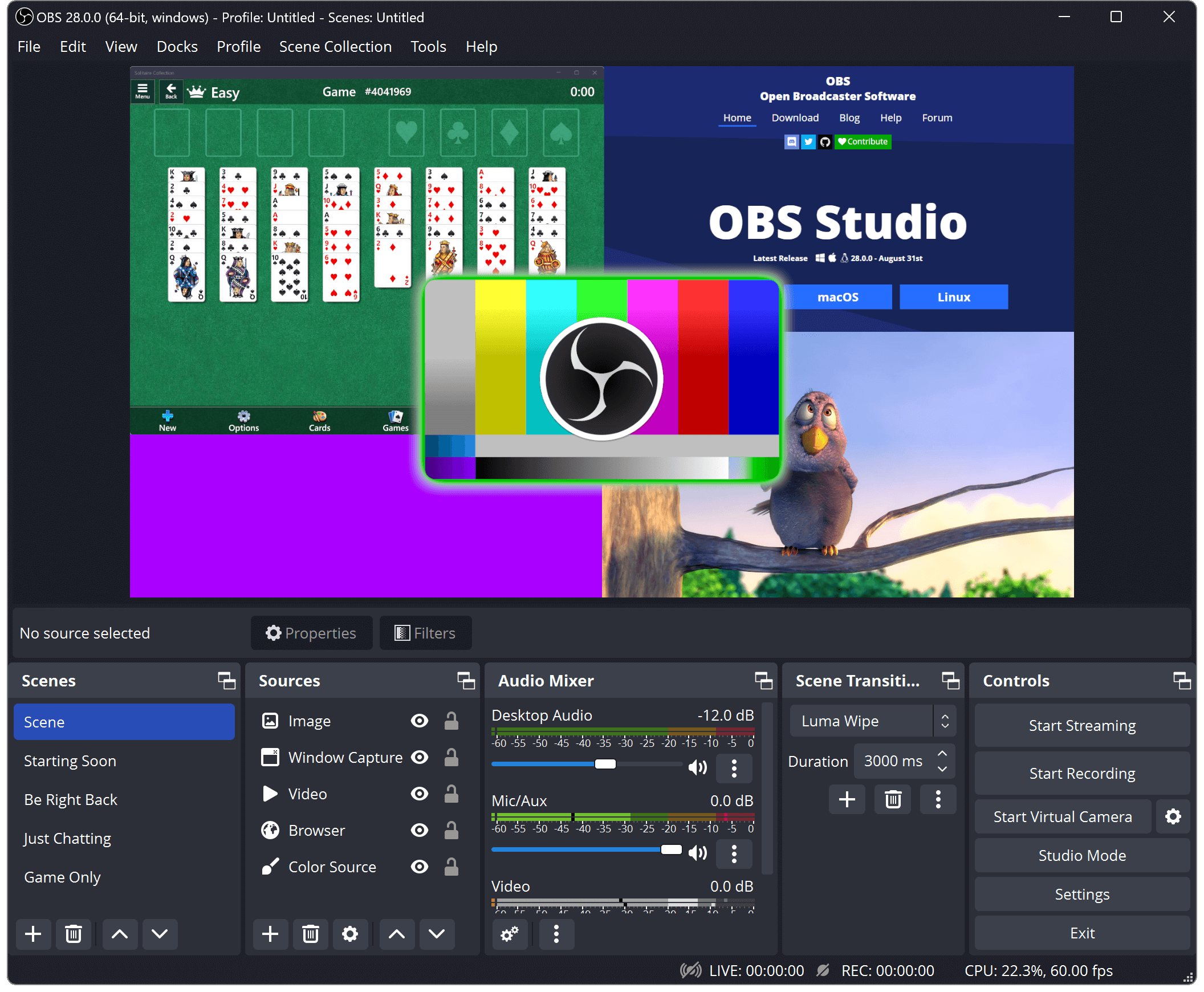
- Студия ОБС — Мощный и универсальный рекордер, который записывает все, что отображается на экране, несколько источников звука и может быть настроен на запись высококачественных потоков.
- К другим вариантам с открытым исходным кодом относятся: FFmpeg , ShareX , или ВЛК для простых снимков.
Пример настройки (OBS Studio) :
- Скачайте и установите OBS Studio (бесплатно).
- Добавьте источник для записи экрана или окна браузера вместе с прямой трансляцией.
- Настройте захват звука таким образом, чтобы записывался системный звук.
- Запуск и остановка записи зависят от времени начала и окончания спортивного события на Stream2watch.
Плюсы:
- Широкие возможности настройки — выбирайте разрешение, битрейт и источники.
- Без водяных знаков и без ограничений по времени.
Минусы:
- Более крутая кривая обучения — требуется время, чтобы освоить материал.
- Настройка требует больше технических навыков, чем использование инструментов, работающих по принципу «подключи и работай».
3. Заключение
Для записи прямых трансляций спортивных событий со Stream2watch необходимо захватывать изображение с экрана — поскольку сайт не позволяет напрямую скачивать видео. Хотя онлайн-рекордеры и расширения для браузеров работают быстро и просто, им часто не хватает качества, возможности записи в полном объеме или надежного захвата звука. Инструменты с открытым исходным кодом, такие как OBS Studio, предлагают широкие возможности и гибкость, но требуют технической настройки.
Для большинства пользователей, которым нужна простая и высококачественная запись с минимальными усилиями, Swyshare Recordit Это лучший выбор. Он сочетает в себе простоту использования с мощными функциями, включая настраиваемые области захвата, системную запись звука, несколько выходных форматов и простое редактирование, что делает его идеальным для сохранения прямых спортивных трансляций.
Выбирать Recordit и записывайте ваши любимые спортивные трансляции с уверенностью.