How to Download Chessable Course Videos?

Chessable has become one of the most popular platforms for learning chess, offering high-quality courses from top grandmasters and coaches. Many of these courses include video lessons that explain key ideas, strategies, and move sequences in a clear and engaging way.
However, one common question users ask is: how can you download Chessable course videos for offline viewing?
The challenge is that Chessable does not provide a direct option to download videos as MP4 files. Most content is protected and designed to be accessed within the platform. Still, there are several practical methods you can use depending on your needs.
1. Best Recommended – Record Chessable Course with Recordit
The most reliable and flexible method is to record the videos while playing them using a screen recorder like Swyshare Recordit .
Recordit stands out because it is designed specifically for capturing streaming content smoothly and efficiently. Unlike downloaders that may fail due to encryption, screen recording works on virtually any video.
Ключевые особенности Recordit :
- Record any Chessable video without restrictions
- Save videos in common formats like MP4
- Capture screen and audio in original quality
- Annotate screen or add mouse effects while recording,
- Add logo or watermark, trim video after recording
- Works on both Windows and Mac
How to Record Chessable Videos with Recordit :
- Установить и запустить Recordit on your Mac or Windows PC.
- Open your Chessable course and navigate to the video lesson that you have access to.
- Select the recording area (full screen or just the video window), then enable system audio to ensure the lesson sound is captured.
- Start recording and play the video; Stop recording when finished and find the recorded course under the “Files” tab.
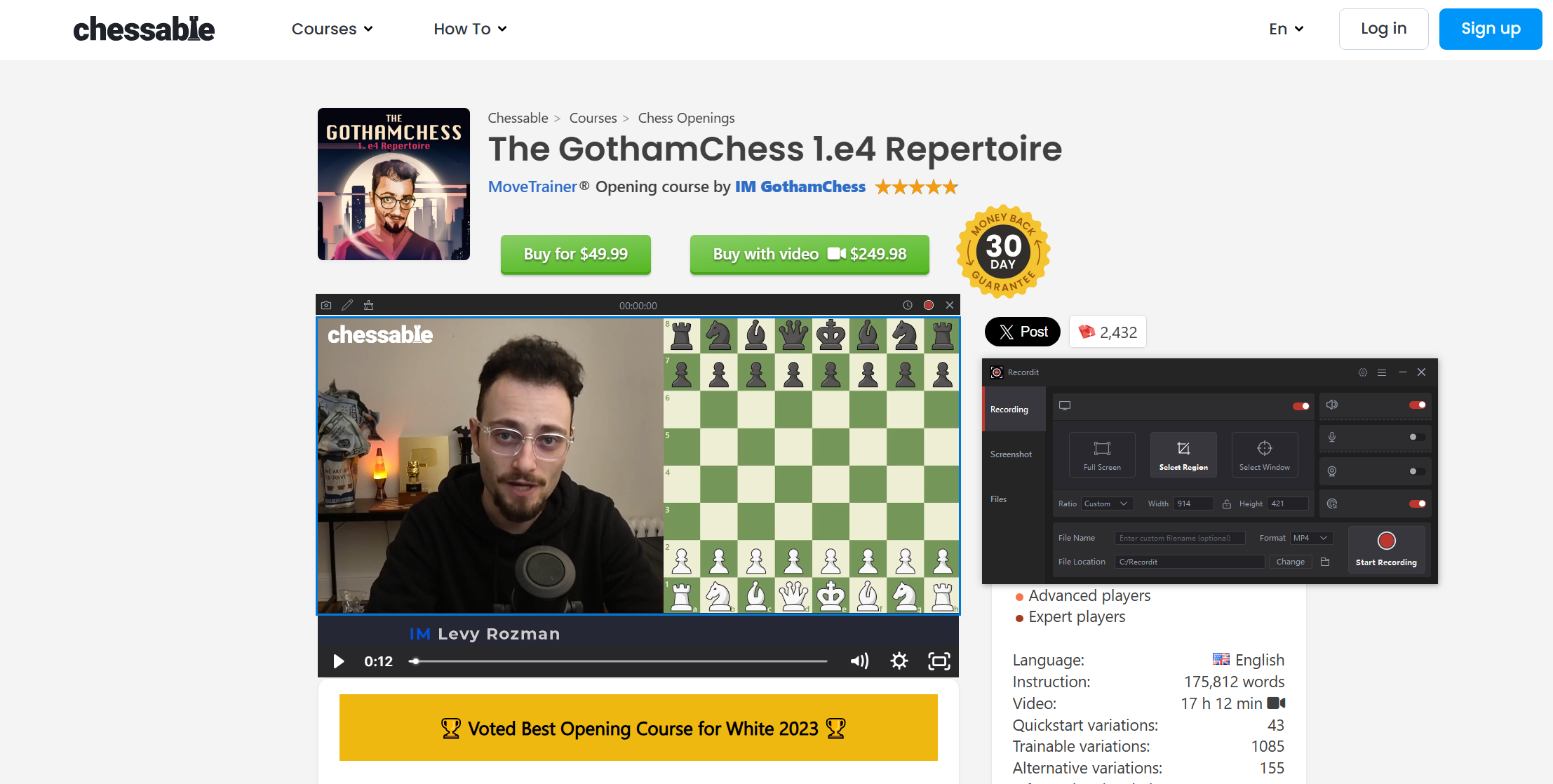
This method is ideal for users who want complete control over their videos, making it the most recommended solution overall.
2. More Solutions to Download Chessable Course Videos
2.1 Download Within Chessable App
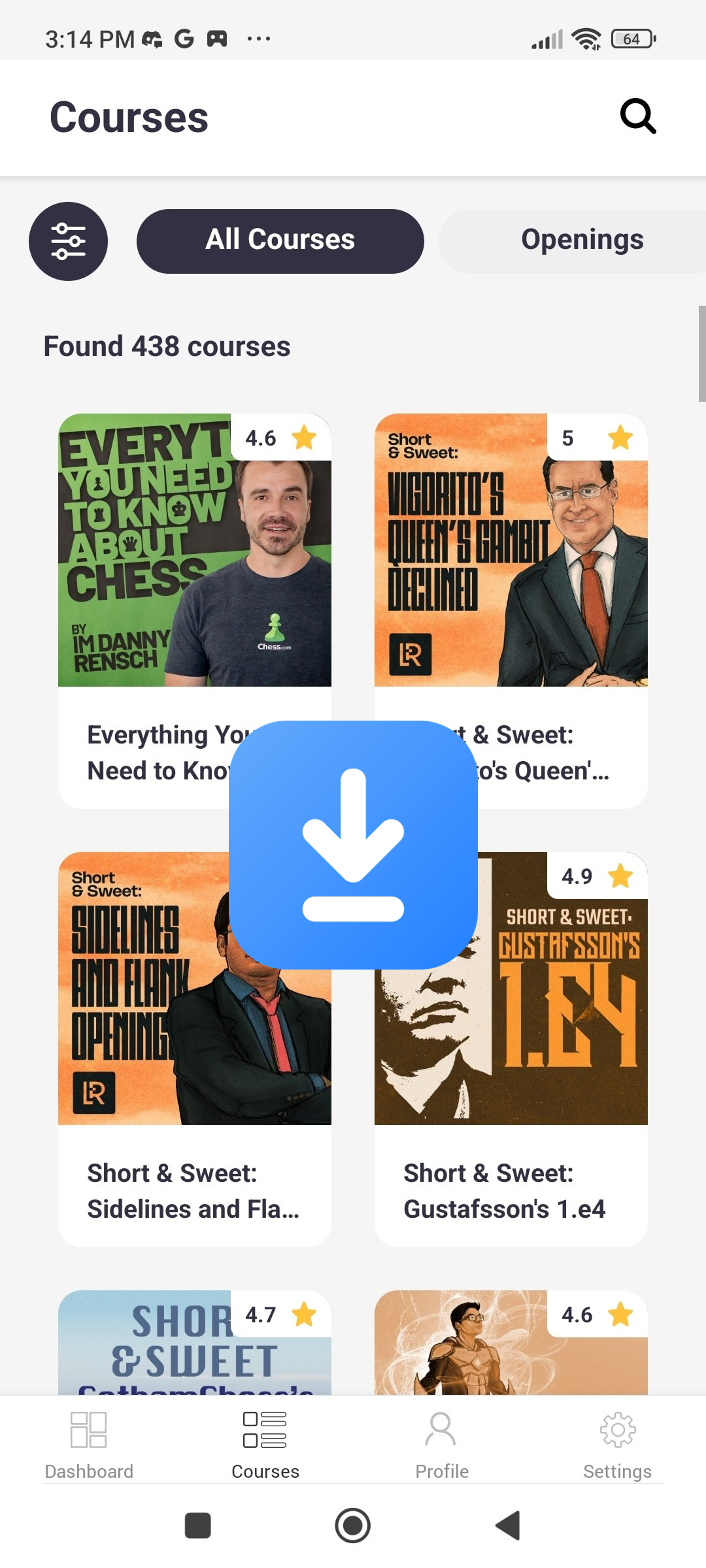
The official method provided by Chessable is offline viewing within the app.
Шаги:
- Install the Chessable mobile app (iOS or Android).
- Log into your account and open your purchased course.
- Find the download options to save lessons for offline access (if supported).
Плюсы:
- 100% safe and legal
- Maintains course structure and progress tracking
- No quality loss
Минусы:
- Videos are not saved as files
- Cannot transfer or edit videos
- Limited to the app environment
This option is best if your goal is simply to study offline without needing actual video files.
2.2 Download with Browser Extensions
Some users try browser extensions to download streaming videos.
Common Tools :
- Video DownloadHelper
- Other Chrome/Firefox video downloaders
Шаги:
- Install an extension like Video DownloadHelper.
- Play the Chessable video and click the extension icon.
- Let the extension detect downloadable Chessable media, choose desired quality and download it.
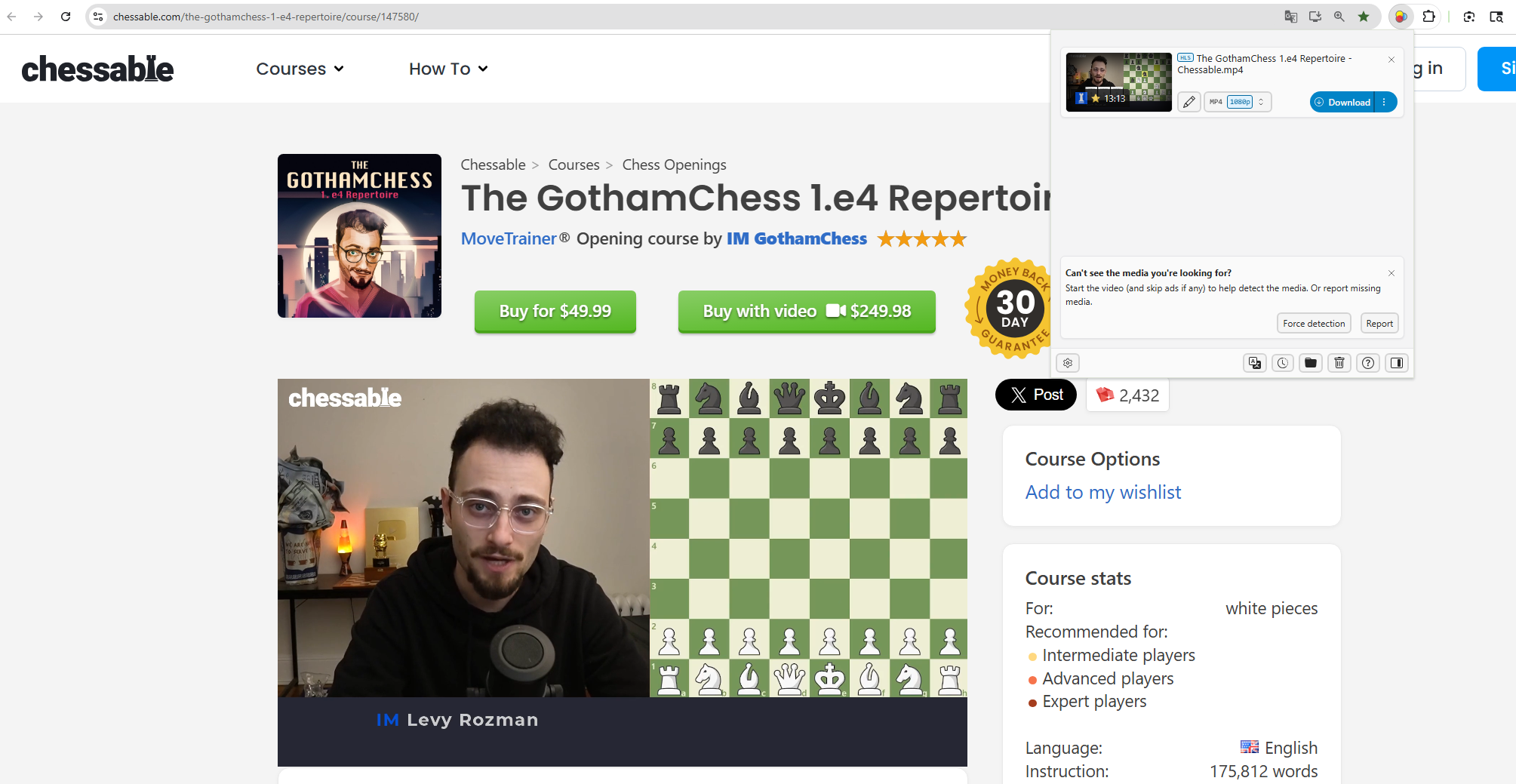
In most cases, this method does not work well with Chessable because:
- Videos are streamed in segments
- Authentication is required
- Content may be protected by DRM
Плюсы:
- Easy to try
- Works on some simple websites
Минусы:
- Low success rate on Chessable
- May only capture fragments
- Potential security risks with unknown extensions
2.3 Download with VidJuice UniTube
Another popular approach is using a professional downloader like VidJuice UniTube.
Features of VidJuice UniTube :
- Supports downloading videos from 10,000+ websites
- Batch download capability
- Converts videos to MP4, MP3, and other formats
- Built-in browser for accessing content
Шаги:
- Install and open UniTube, then choose desired download options.
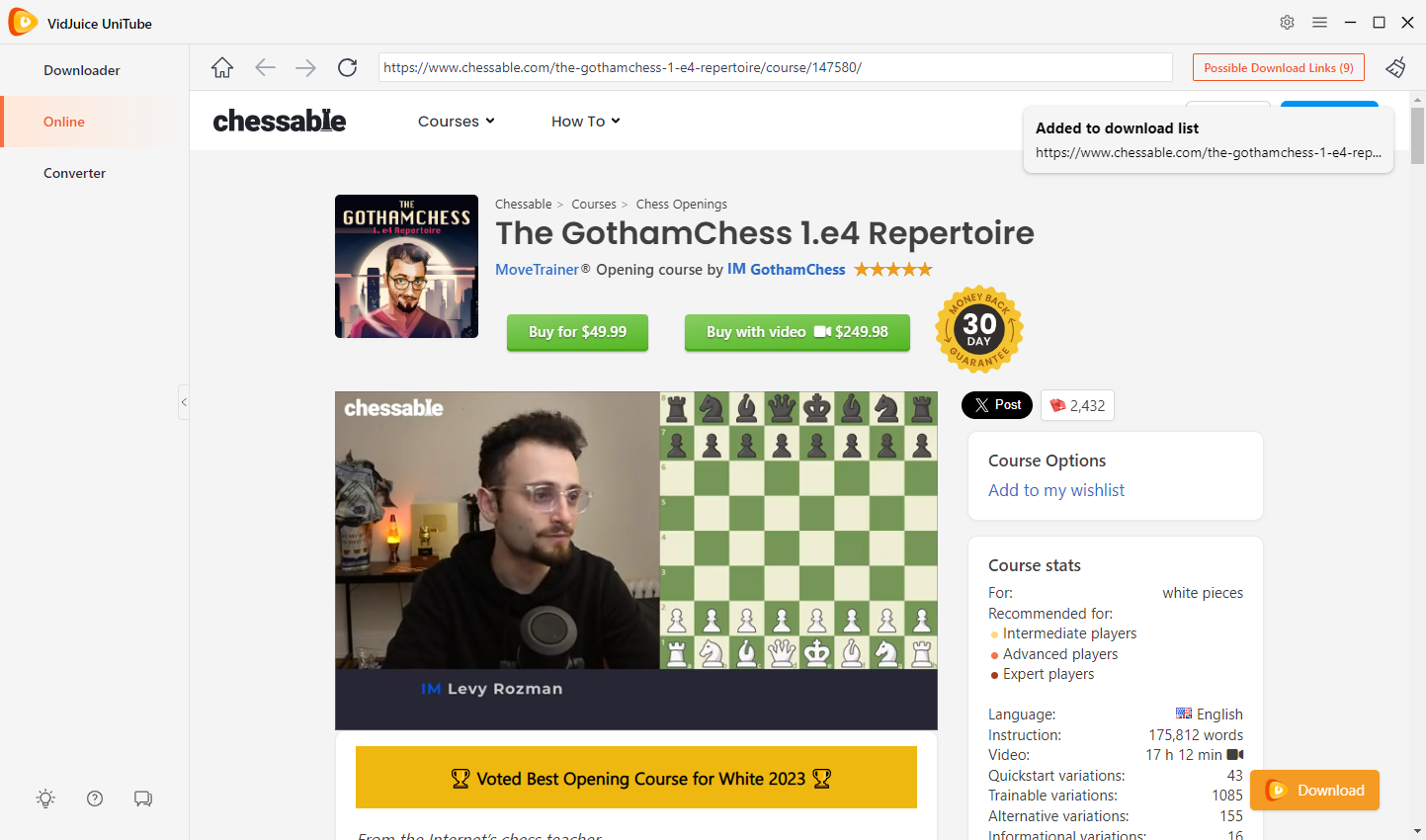
- Use the built-in browser to log into Chessable, locate and play the course video.
- Click the download button and UniTube will start downloading it from Chessable.
Плюсы:
- Powerful tool for many platforms
- Fast download speeds when supported
Минусы:
- Not guaranteed to work on Chessable
- Paid software for full features
3. Заключение
Downloading videos from Chessable isn’t as straightforward as with many other platforms due to its protected streaming system. While options like offline viewing in the app or experimenting with download tools exist, they either limit access or lack reliability.
For users who want full control over their learning materials, including the ability to store, replay, and organize videos outside the platform, screen recording remains the most dependable solution. In particular, Swyshare Recordit offers a simple yet powerful way to capture Chessable lessons in high quality without technical complications.
Overall, if your goal is to build a flexible offline study library from Chessable courses, Recordit provides the most consistent and practical approach.