How to Convert Spotify to MP3?

Music lovers often want to listen to their favorite songs offline, transfer tracks to other devices, or create personal music collections. While Spotify offers offline listening through its premium subscription, the downloaded files are protected and cannot be played outside the Spotify app. Because of this limitation, many users search for ways to convert Spotify songs into the widely supported MP3 format.
MP3 files can be played on almost any device, including smartphones, computers, MP3 players, and car audio systems. As a result, Spotify to MP3 converters have become popular tools for saving music in a more flexible format.
In this guide, we’ll explain how to convert Spotify to MP3 using several well-known converters, discuss whether Spotify to MP3 converters always work, and introduce an alternative method to save Spotify playback.
1. How to Convert Spotify to MP3?
A variety of desktop tools can convert Spotify songs into MP3 files. These programs typically connect to Spotify, analyze the track, and convert it into a downloadable audio file while preserving the song’s metadata.
Below are some well-known Spotify music converters and their key features.
1.1 Audifab Spotify Music Converter
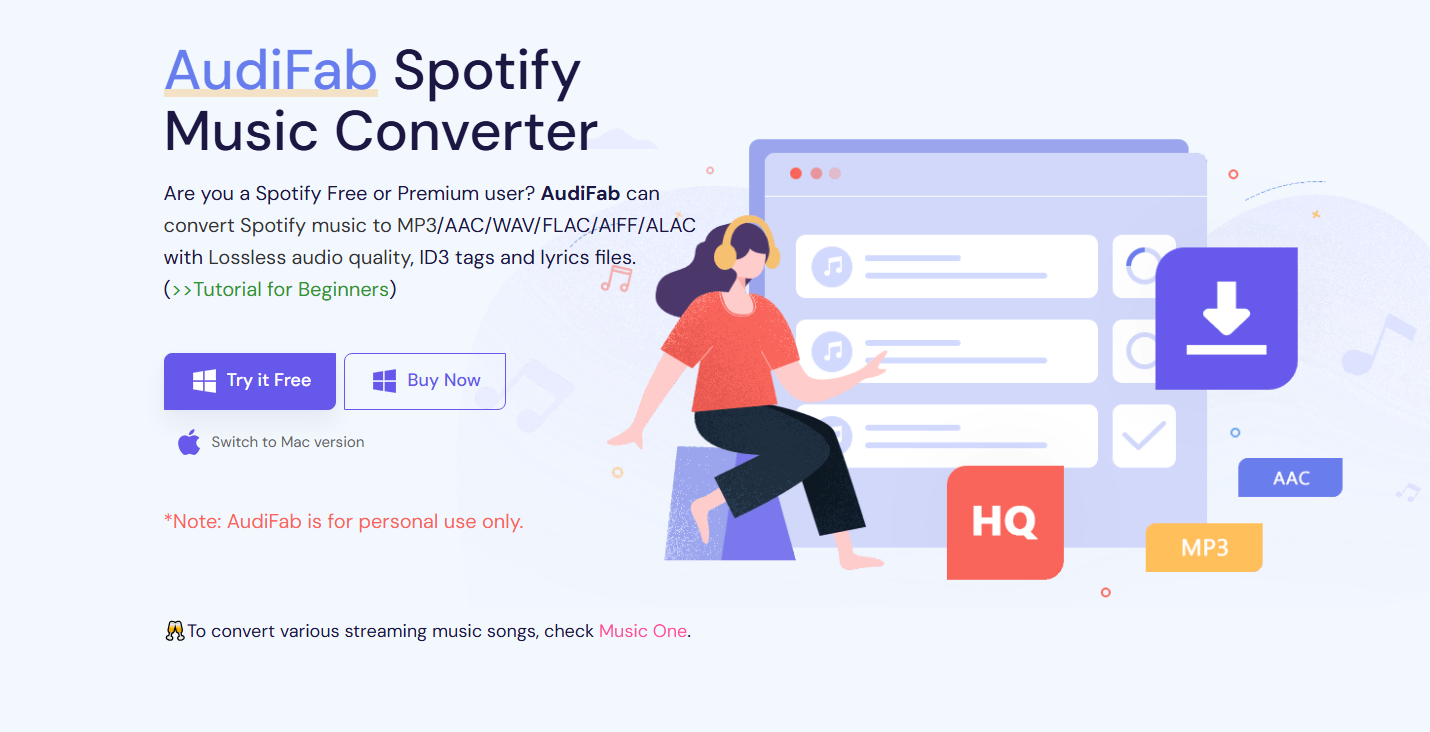
Audifab Spotify Music Converter is a popular program designed to download and convert Spotify songs into multiple formats, including MP3.
Основные характеристики:
- Converts Spotify songs, albums, playlists, and podcasts to MP3
- Supports additional formats such as AAC, WAV, FLAC, and AIFF
- Preserves original ID3 tags such as artist, album, and track number
- Allows batch conversion for multiple songs at once
- Maintains high audio quality during the conversion process
- Simple interface suitable for beginners
Audifab is often used by users who want to convert large Spotify playlists quickly while keeping song metadata intact.
1.2 ViWizard Spotify Music Converter
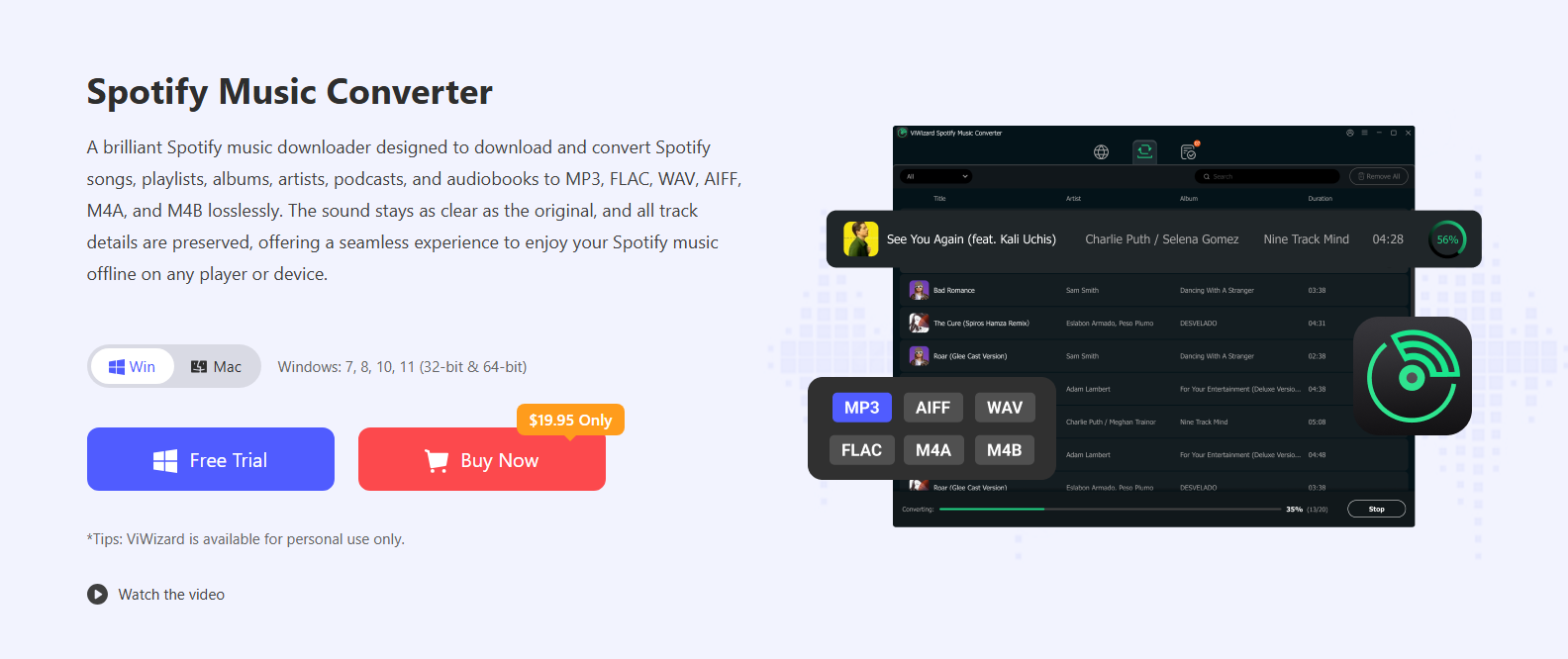
Another well-known solution is ViWizard Spotify Music Converter, which focuses on high-quality music conversion and efficient processing.
Основные характеристики:
- Converts Spotify songs to MP3, WAV, AAC, FLAC, and other formats
- Preserves 100% original audio quality
- Retains metadata including album art and song titles
- Supports batch conversion for entire playlists
- Allows users to customize bitrate and sample rate
- Provides fast conversion speeds
ViWizard is often appreciated for its ability to maintain original sound quality while converting music.
1.3 DRmare Spotify Music Converter
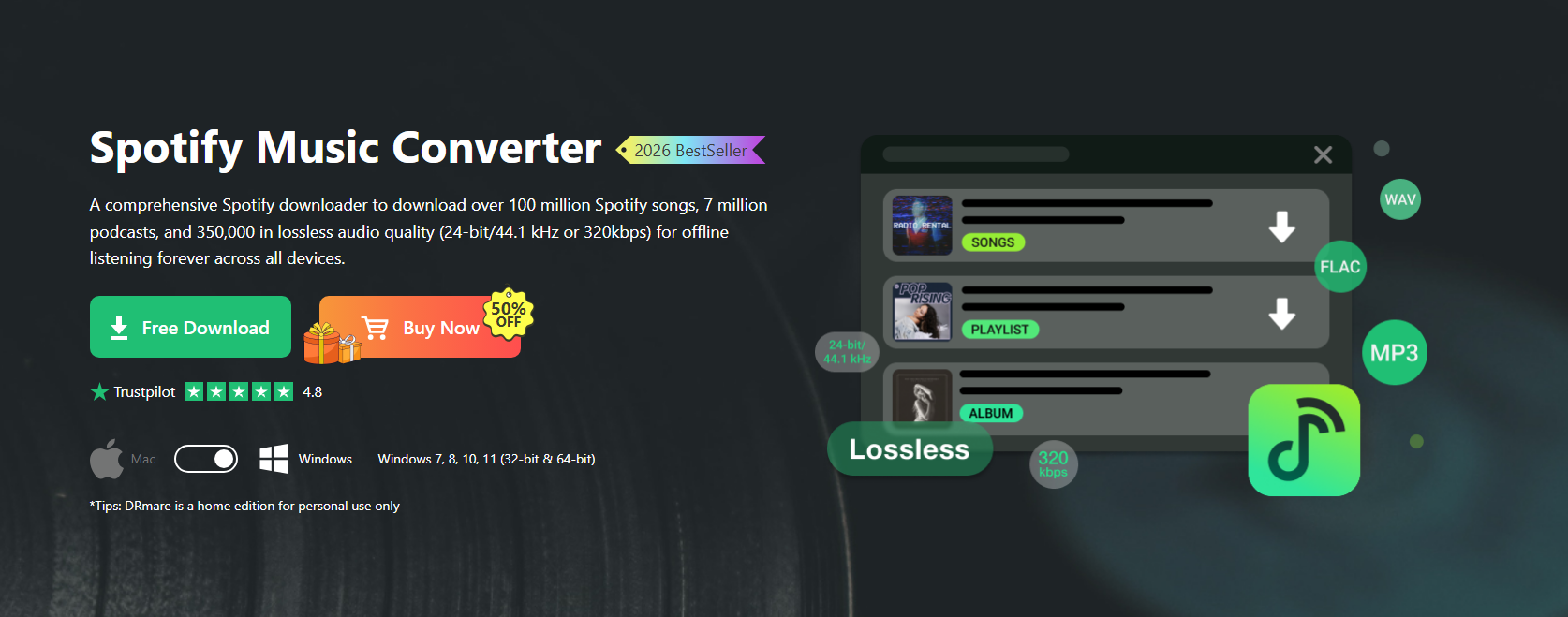
DRmare Spotify Music Converter is another reliable tool designed specifically for Spotify music conversion.
Основные характеристики:
- Converts Spotify songs, albums, and playlists to MP3 and other formats
- Supports batch conversion of multiple tracks
- Maintains lossless audio quality
- Preserves ID3 tags and metadata information
- Allows users to customize output settings such as bitrate and sample rate
- User-friendly interface for quick conversions
DRmare is often chosen by users who want a balance between speed and audio quality.
1.4 TunePat Spotify Music Converter
TunePat Spotify Music Converter is designed to download and convert Spotify tracks using a built-in Spotify web player.
Основные характеристики:
- Converts Spotify songs to MP3, AAC, WAV, FLAC, and AIFF
- Supports downloading entire playlists and albums
- Keeps original metadata and album artwork
- Offers multiple output quality settings
- Allows users to organize converted files automatically
- Uses a built-in Spotify web player for easier operation
TunePat is known for its simple workflow and organized output file structure.

1.5 Sidify Spotify Music Converter
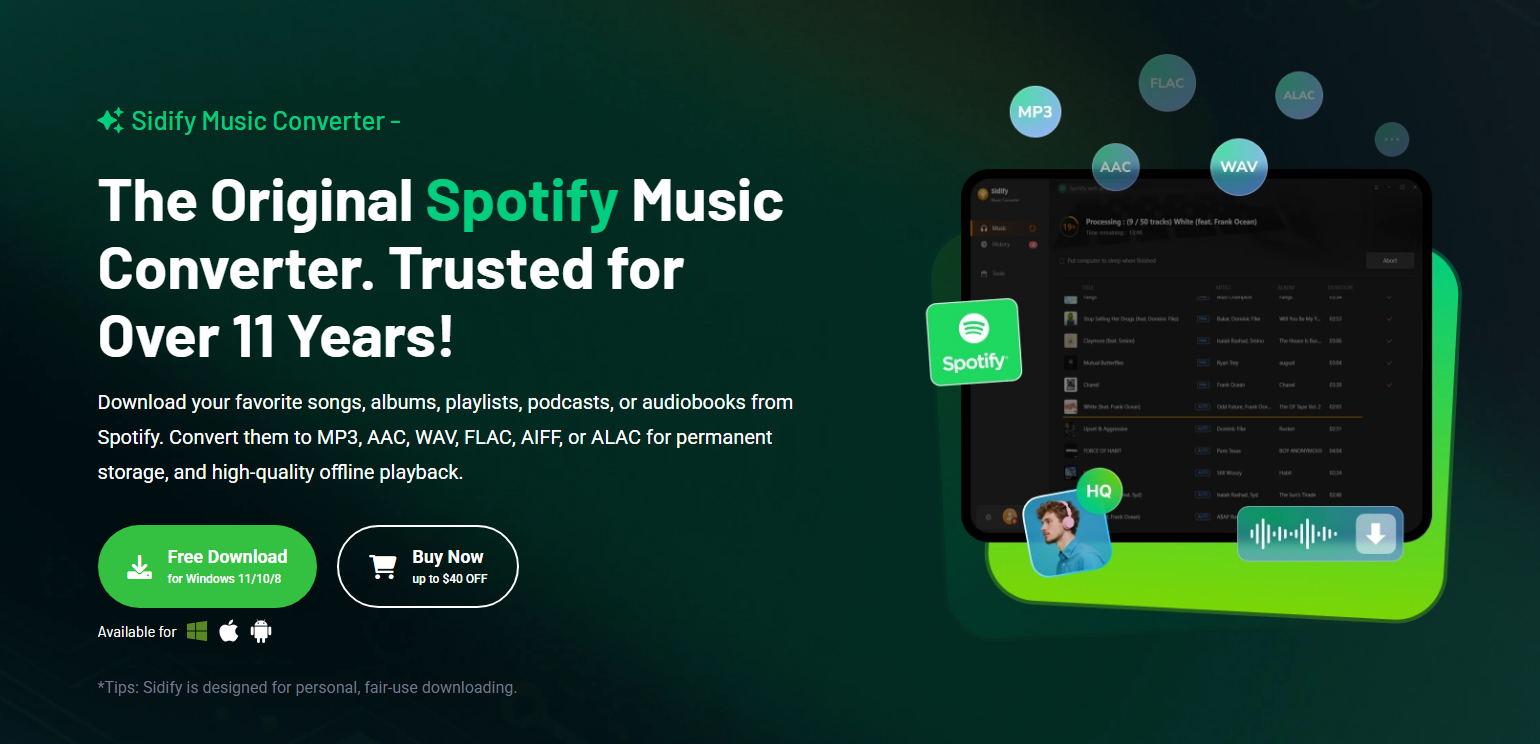
Sidify Spotify Music Converter is one of the most widely recognized Spotify converters available today.
Основные характеристики:
- Converts Spotify music to MP3, AAC, WAV, FLAC, and AIFF
- Supports batch conversion for large playlists
- Retains ID3 tags such as title, artist, album, and genre
- Allows customization of output bitrate and sample rate
- Maintains high-quality audio output
- Easy-to-use interface suitable for beginners
Sidify is often used by users who want an all-in-one solution for downloading and converting Spotify music.
2. Does Spotify to MP3 Converter Always Work?
Although Spotify converters are convenient, they do not always work perfectly. Several factors can affect their reliability.
- Spotify platform updates
Spotify frequently updates its platform and security systems. When this happens, some converters may temporarily stop working until the developers release updates.
- Ограничения программного обеспечения
Many converters offer free trial versions that limit conversion speed or the number of songs that can be converted. Full features may require a paid license.
- Compatibility issues
Some converters may not work properly with newer operating systems or Spotify versions.
- Large playlist processing
Converting very large playlists can sometimes cause software crashes or slow performance.
Because of these limitations, users sometimes look for alternative methods to save Spotify music without relying on conversion tools.
3. Record Spotify Instead of Converting or Downloading
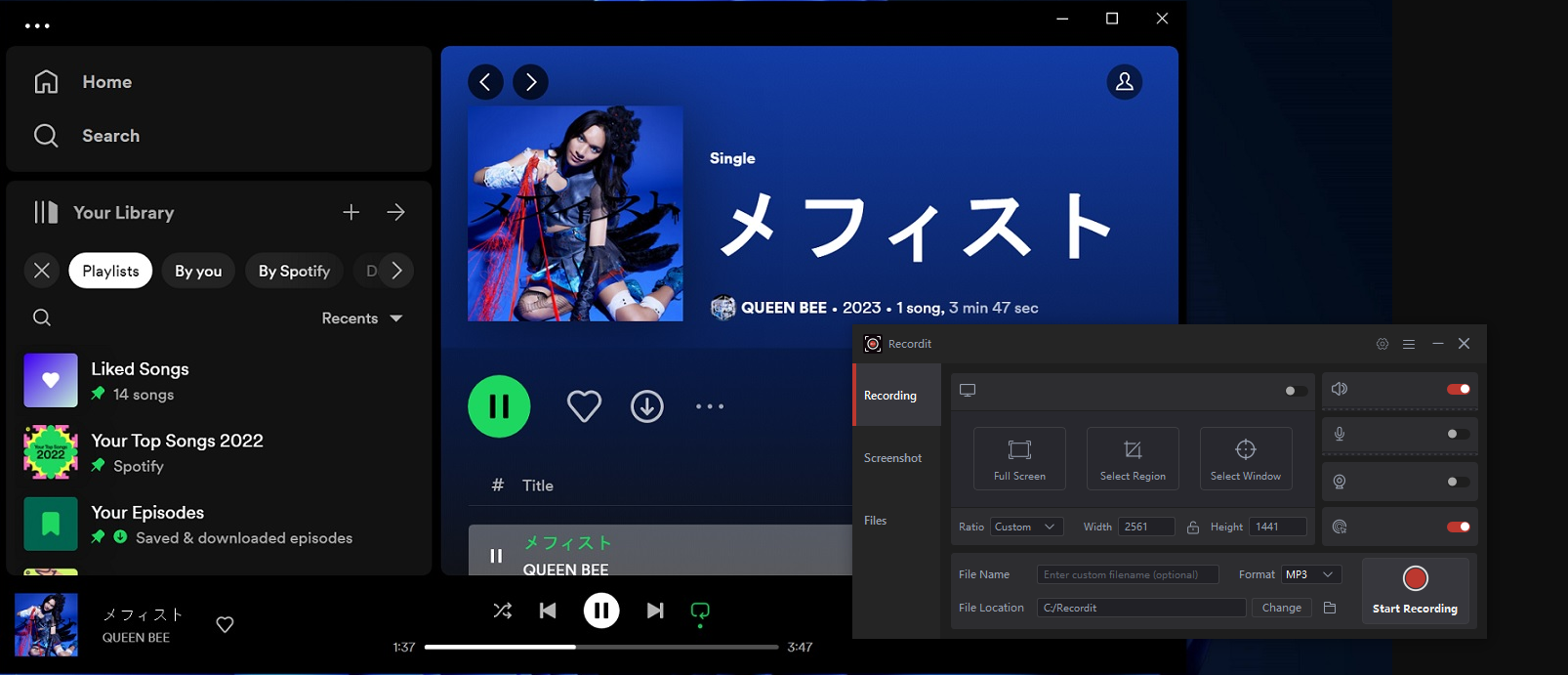
Another effective way to save Spotify music is to record the playback directly while it is playing on your computer. Instead of converting or downloading tracks, screen and audio recording software captures the sound output from your system. A simple and reliable tool for this purpose is Swyshare Recordit .
Swyshare Recordit is designed to record screen activity and system audio with minimal setup. This makes it a convenient option for capturing Spotify music as it plays.
Key advantages include:
- Capture Spotify playback directly from your computer’s sound output
- Record the full screen, a specific Spotify window, or a selected area
- Maintain clear audio quality during recording
- Easy to use without complicated configuration
- Save recordings in formats such as MP3 or MP4
How to Record Spotify with Recordit :
- Установить и запустить Swyshare Recordit on your computer, then open the software.
- Давать возможность system audio recording and set more audio download parameters.
- Open Spotify and start playing the song you want to save.
- Нажмите на Начать запись button in Recordit ; Stop recording when the track finishes and export the audio file.
4. Вывод
Many users want to convert songs from Spotify into MP3 format so they can listen offline, transfer music to other devices, or build personal music libraries. Tools such as Audifab Spotify Music Converter, ViWizard Spotify Music Converter, DRmare Spotify Music Converter, TunePat Spotify Music Converter, and Sidify Spotify Music Converter offer features that allow users to convert Spotify songs, playlists, and albums into MP3 files.
However, these converters may not always work reliably due to Spotify updates, software limitations, or compatibility issues.
For a simpler and more dependable solution, recording Spotify playback can be a practical alternative. With tools like Swyshare Recordit , users can easily capture Spotify music directly from system audio without complicated conversions.
If you want an easy and flexible way to save Spotify music, Swyshare Recordit is a recommended option for recording and exporting high-quality Spotify audio.