Как скачать фильмы с сайта 123Chill?

123Chill — популярный бесплатный сайт для потокового просмотра фильмов и сериалов онлайн без создания учетной записи. Благодаря обширной библиотеке и быстрой скорости воспроизведения многие выбирают 123Chill для непринужденного развлечения. Однако одним из распространенных ограничений является отсутствие официальной возможности загрузки фильмов и сериалов. Это означает, что вы не можете сохранять фильмы для просмотра в автономном режиме, долговременного хранения или последующего воспроизведения без подключения к интернету.
В этом руководстве мы рассмотрим наиболее эффективные методы загрузки или записи видео с сайта 123Chill. Каждый метод имеет свои преимущества и ограничения с точки зрения качества, стабильности и удобства использования.
1. Скачайте фильмы с 123Chill с помощью расширений для загрузки видео.
Расширения для загрузки видео часто являются первыми инструментами, которые пробуют пользователи, поскольку их быстро установить и легко использовать. Эти расширения для браузера пытаются обнаружить видеопотоки, воспроизводимые на веб-странице, и позволяют загружать их напрямую.
Как использовать расширения для загрузки видео на 123Chill :
- Установите расширение для загрузки видео, например Video DownloadHelper или аналогичные инструменты из Chrome Web Store или Firefox Add-ons.
- Откройте браузер и перейдите на сайт 123Chill, затем воспроизведите фильм, который хотите скачать.
- Нажмите на значок «Помощь при загрузке видео» на панели инструментов вашего браузера, выберите доступное разрешение и нажмите «Загрузить», если видеопоток обнаружен.
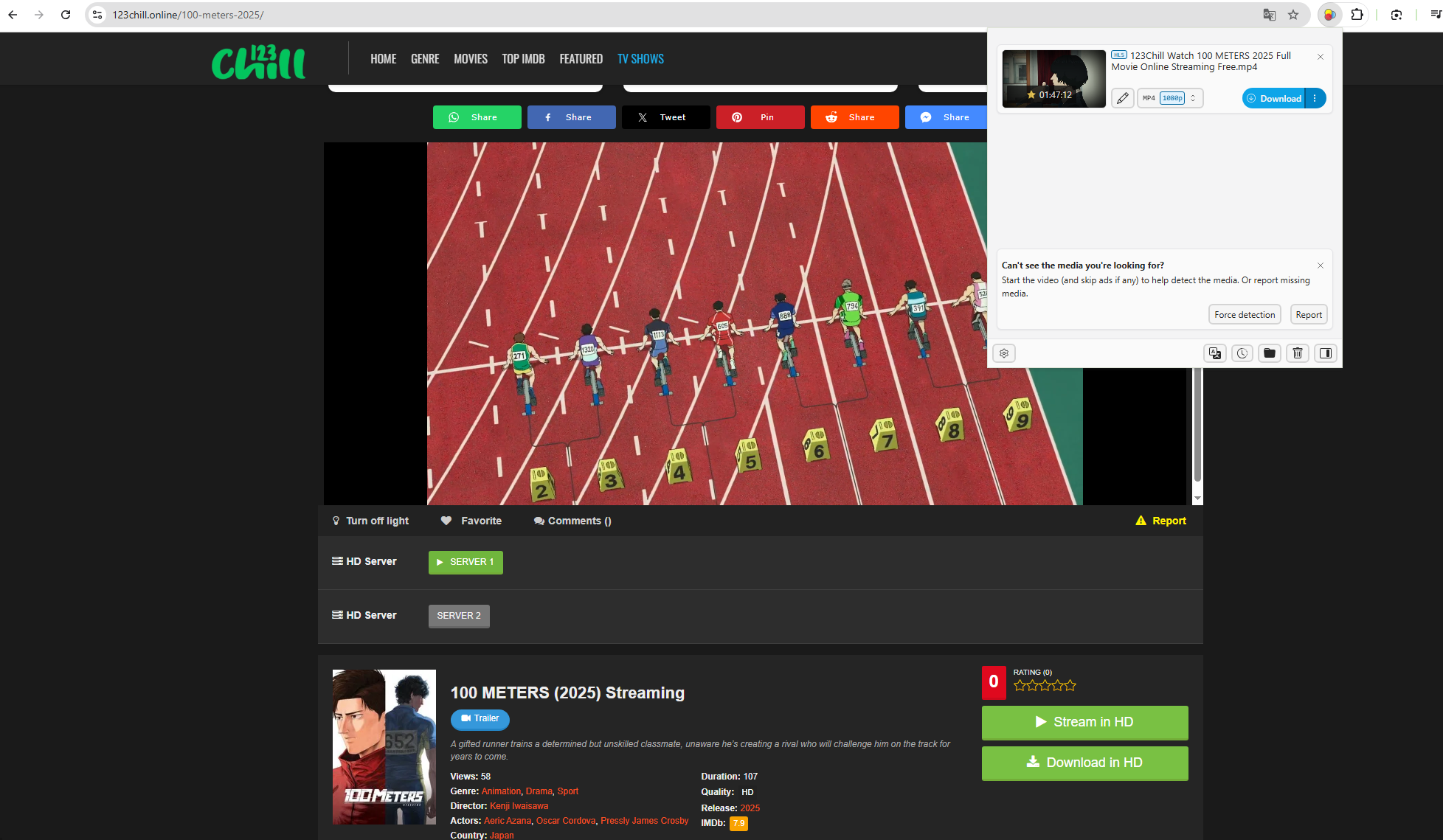
Плюсы:
- Легко настраивается
- Отдельная установка программного обеспечения не требуется.
- Быстрое воспроизведение поддерживаемых видео.
Минусы:
- Часто возникают сбои из-за зашифрованных или сегментированных потоков.
- Возможно, не будут распознаваться полнометражные фильмы.
- Качество загрузки может быть ограничено.
2. Запись фильма на 123Chill с расширениями.
Если прямая загрузка не работает, простой альтернативой станут расширения для записи экрана. Эти инструменты записывают всё, что воспроизводится во вкладке вашего браузера.
Популярные расширения для записи экрана:
- Экранность
- Ткацкий станок
- Screencastify
Как записывать видео на 123Chill с помощью расширений:
- Установите расширение для записи экрана (например, Screenity) из магазина расширений вашего браузера.
- Откройте 123Chill и загрузите фильм.
- Установите режим записи, начните запись и воспроизведите фильм в полноэкранном режиме.
- Остановите запись по окончании фильма и сохраните файл.
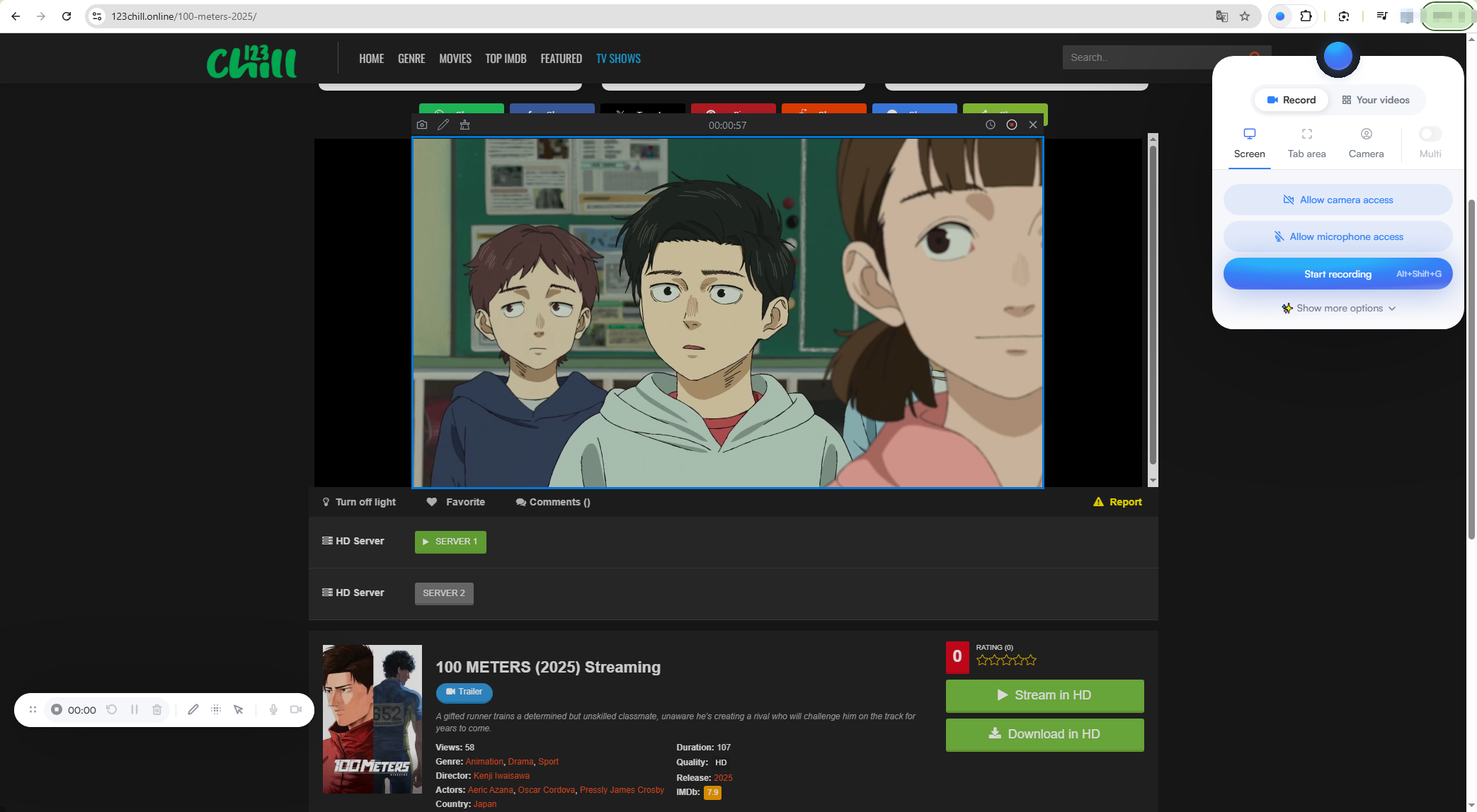
Плюсы:
- Работает даже при заблокированных загрузках.
- Простой и удобный для начинающих
- Расширенная настройка не требуется.
Минусы:
- Более низкое разрешение и частота кадров.
- Запись аудио может быть ограничена.
- Проблемы с производительностью браузера во время длительной записи.
3. Запись видео 123Chill с помощью OBS.
OBS Studio — это бесплатное приложение с открытым исходным кодом для записи и потоковой передачи экрана, широко используемое геймерами и создателями контента. Оно предлагает гораздо больше возможностей управления, чем расширения для браузера, и может обрабатывать длительные записи.
Как записывать видео 123Chill с помощью OBS:
- Загрузите и установите OBS Studio на Windows, macOS или Linux.
- Откройте OBS и создайте новый источник «Захват экрана» или «Захват окна».
- Откройте браузер и перейдите на сайт 123Chill, установите режим полноэкранного просмотра для просмотра фильма.
- Настройте параметры звука для записи системного звука, затем нажмите «Начать запись» и воспроизведите видео.
- Остановите запись, как только фильм закончится.
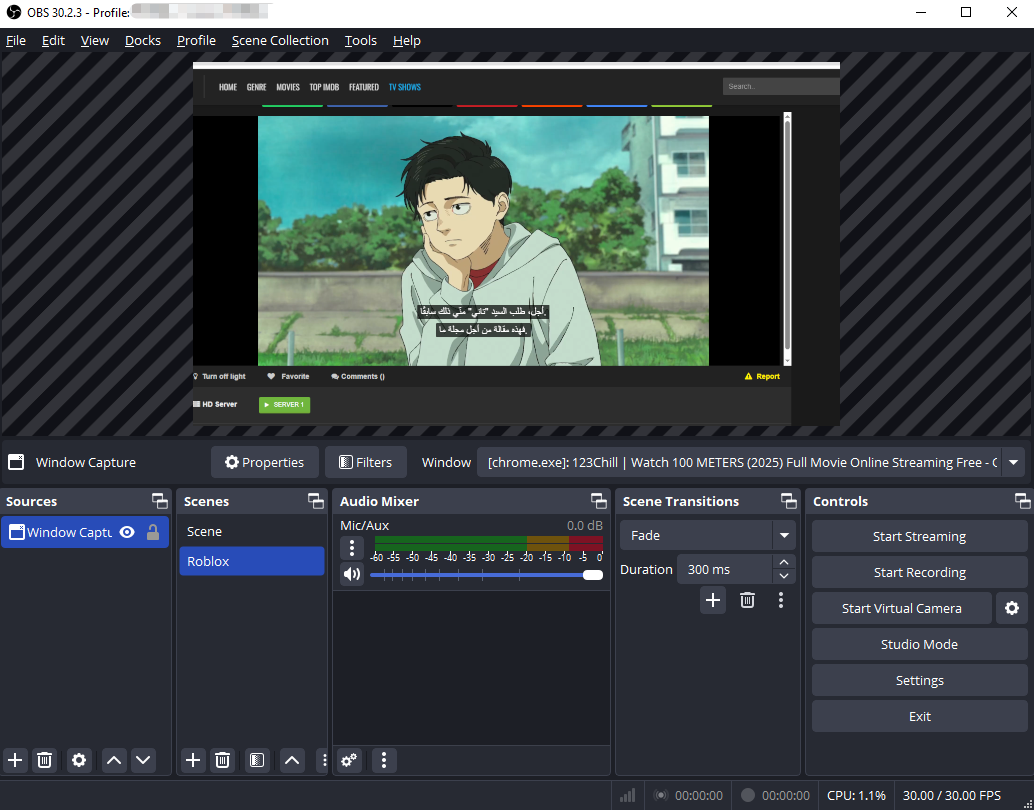
Плюсы :
- Совершенно бесплатно
- Поддерживает запись в формате HD и Full HD.
- Нет ограничений по времени записи.
- Гибкие настройки звука и видео.
Минусы :
- Крутая кривая обучения для новичков
- Сложный интерфейс
- Требуется ручная настройка.
- Риск выпадения кадров на системах низкого класса.
4. Расширенная запись 123Chill Movie с Swyshare Recordit
Для пользователей, которые хотят найти самый простой и надежный способ записи видеороликов 123Chill в высоком качестве, Swyshare Recordit Это превосходное передовое решение.
Swyshare Recordit Разработан специально для записи экрана, захвата видео и записи звука. В отличие от расширений для браузера, он работает независимо от вашего браузера, обеспечивая стабильную работу даже при длительной записи видео.
Основные преимущества Recordit :
- Высококачественная видео- и аудиозапись
- Поддержка мгновенного воспроизведения и планирования записи.
- Поддерживает форматы MP4/MP3/GIF и другие популярные форматы.
- Встроенные функции предварительного просмотра и полезные функции редактирования.
- Стабильная работа при длительной записи.
Как записывать фильмы на 123Chill с помощью Recordit :
- Скачать и установить Swyshare Recordit на компьютере Windows или Mac.
- Откройте 123Chill в браузере и разверните фильм на весь экран.
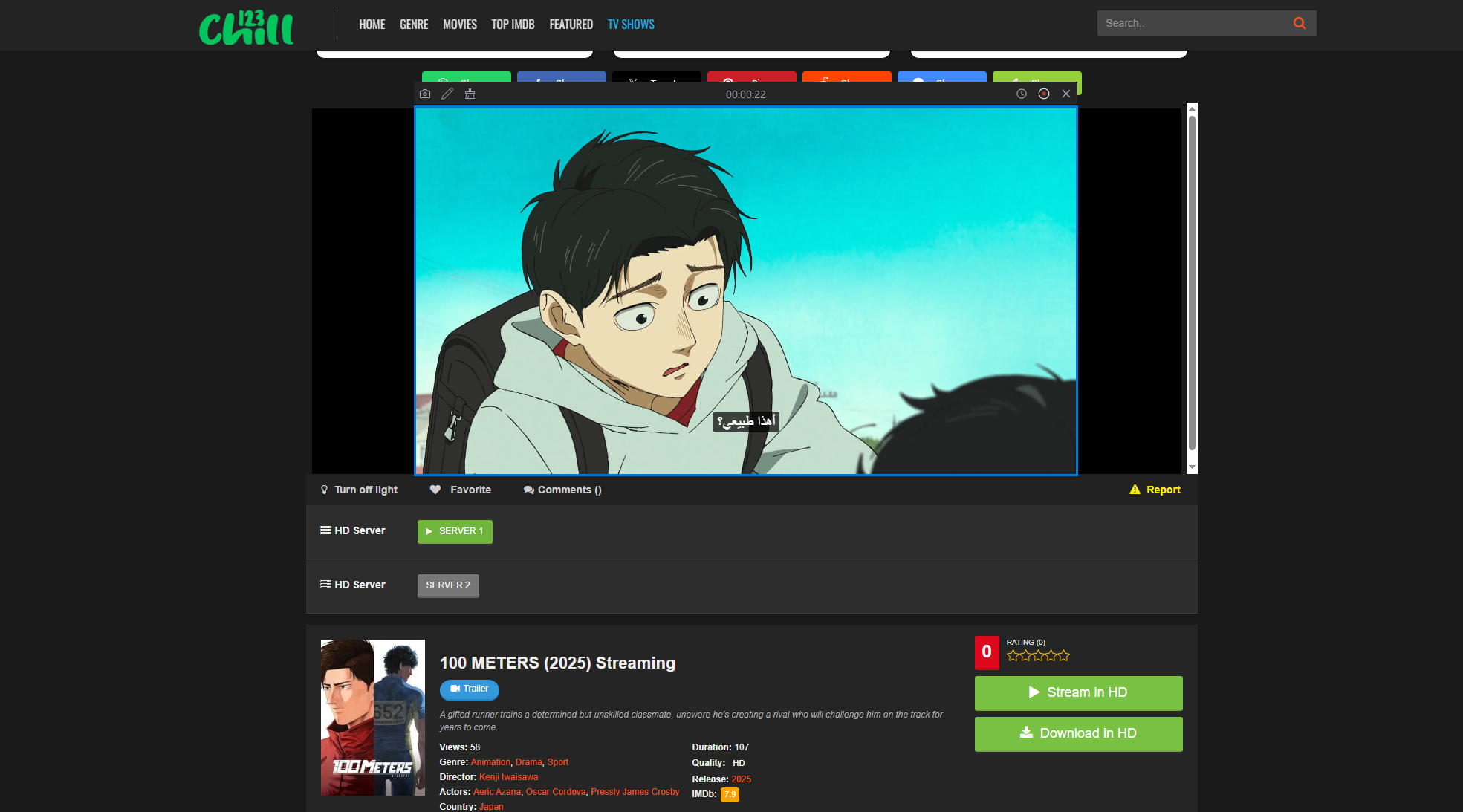
- Запуск Recordit Чтобы выбрать область записи, затем включите системный звук для захвата звука из фильма.
- Нажмите «Начать запись», чтобы начать воспроизведение; остановите запись, когда фильм закончится.
- Просмотрите, обрежьте и сохраните запись в предпочитаемом формате.
5. Вывод
Загрузить или записать видео с 123Chill можно несколькими способами, в зависимости от вашего уровня технических навыков и ожиданий качества. Расширения для загрузки видео работают быстро, но ненадежно. Расширения для записи экрана подходят для коротких роликов, но с трудом справляются с полнометражными фильмами. OBS Studio — мощная программа, но для ее правильной настройки требуется время и технические знания.
Для обеспечения максимально надежной и удобной работы, Swyshare Recordit Это лучшее решение. Оно обеспечивает высококачественную запись, плавно обрабатывает длительные сеансы просмотра фильмов и устраняет сложности, связанные с использованием сложного программного обеспечения для записи. Если вам нужен эффективный, стабильный и профессиональный способ сохранения фильмов 123Chill для просмотра в автономном режиме, Recordit настоятельно рекомендуется.